Sample DecisionTrail report
See the kind of narrative chronology DecisionTrail is built to export after automatic reconstruction and background QA.
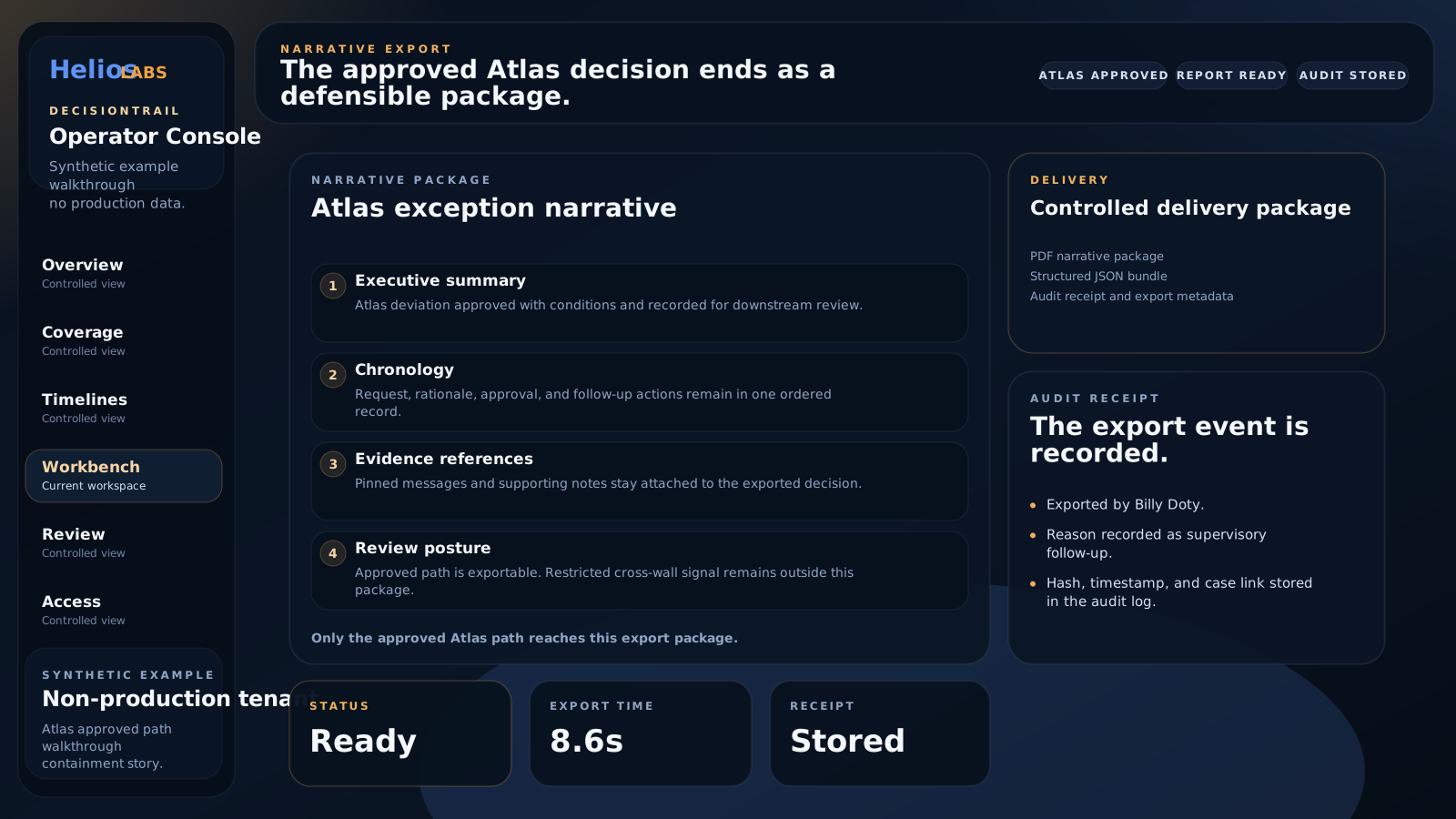
Synthetic example
Sample narrative report
Non-production output showing the export structure: case summary, chronology, evidence references, review posture, and audit receipt.
What to review
The export is designed to read like an investigation deliverable, not a dump of raw messages. It should answer:
- What happened
- Who acted
- Who approved or rejected the action
- Why the action moved forward
- Which Teams messages support the chronology
- Whether the event was auto-published, QA-sampled, or manually corrected
Trust model in plain language
In the default operating model, clear evidence can publish automatically while QA focuses on edge cases.
Example narrative structure
Case summary
An operations request related to a tagged business identifier appeared in a group chat, moved into review with an oversight stakeholder, received explicit approval language, and was then executed in a separate team channel.
Chronology
- Request: The initiating message introduced the action and attached the business identifier.
- Analysis: Follow-up messages clarified risk, timing, or operational constraints.
- Approval: An explicit sign-off message authorized the action.
- Execution: The action was confirmed in an execution-oriented thread.
- Resolution: Final messages confirmed that the requested action or exception was closed.
Source references
Each event should retain actor context, timestamp, Teams surface, and supporting message evidence so the analyst can defend the reconstruction.
Use this to review the export format, then continue to the proof pack or walkthrough.