Evaluation focus
What it does, how it works, and where data lives.
Answer those three questions before the walkthrough.
Proof pack
Review the workflow, trust model, deployment boundary, and sample output in one evaluation path before a walkthrough.
Evaluation focus
Answer those three questions before the walkthrough.
What this is for
Use the pack to understand the workflow, then validate it in the walkthrough.
Synthetic examples
Synthetic examples showing operator surfaces, trust model, and output format.
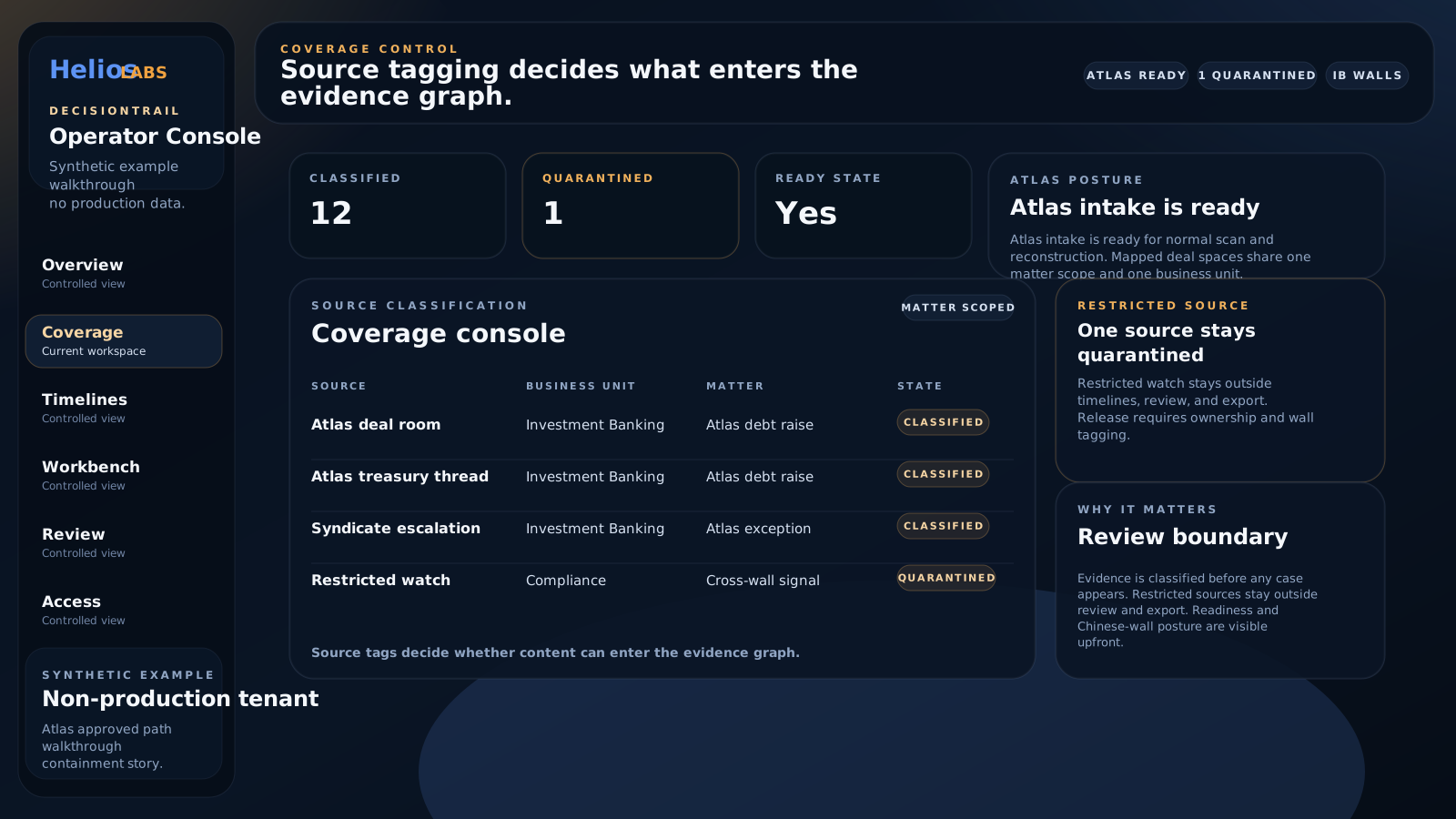
Synthetic example
Source tagging shows which Teams surfaces enter the evidence graph and which stay quarantined.
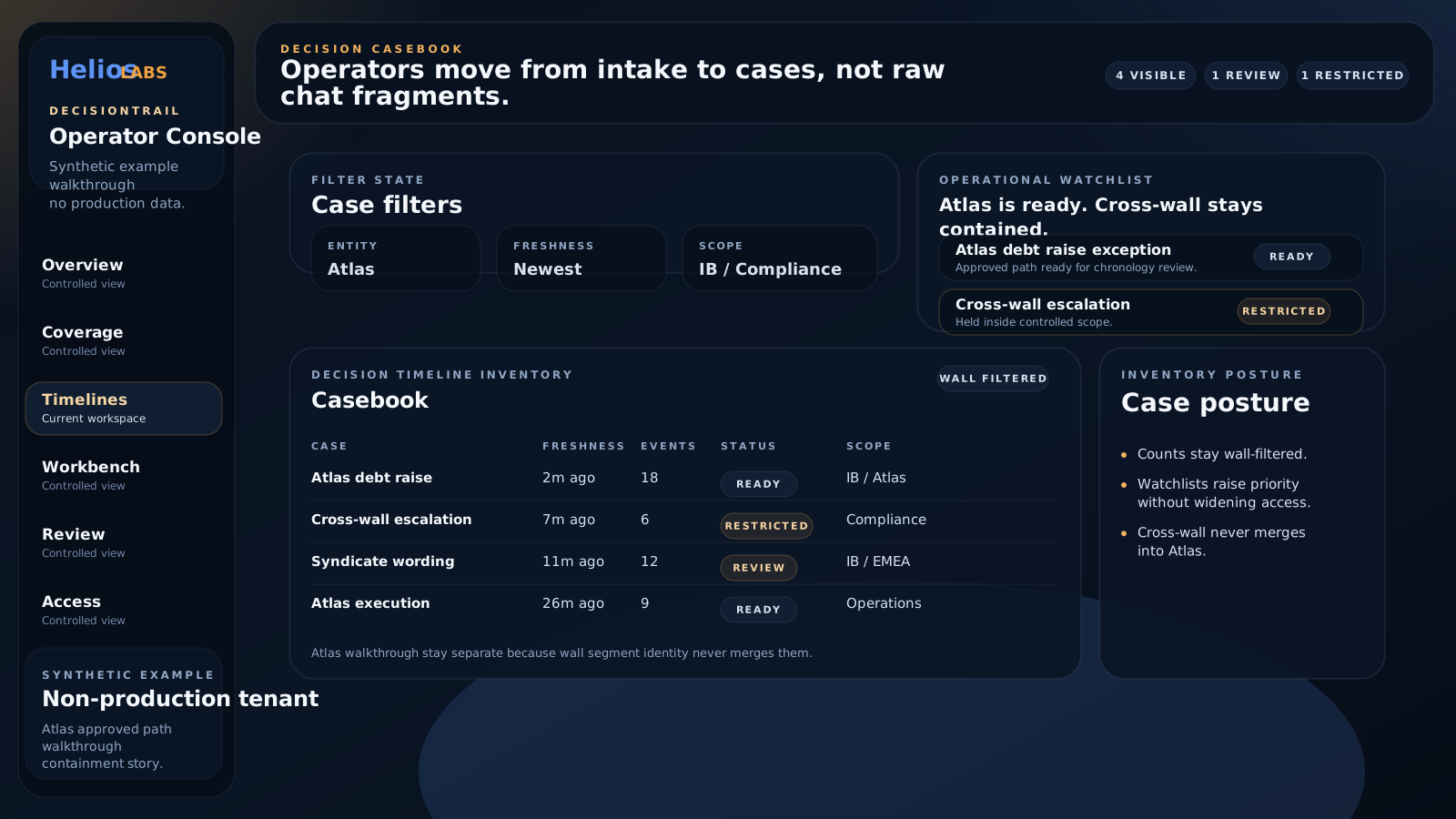
Sample decision timeline
The casebook separates a ready decision path from a restricted cross-wall signal.
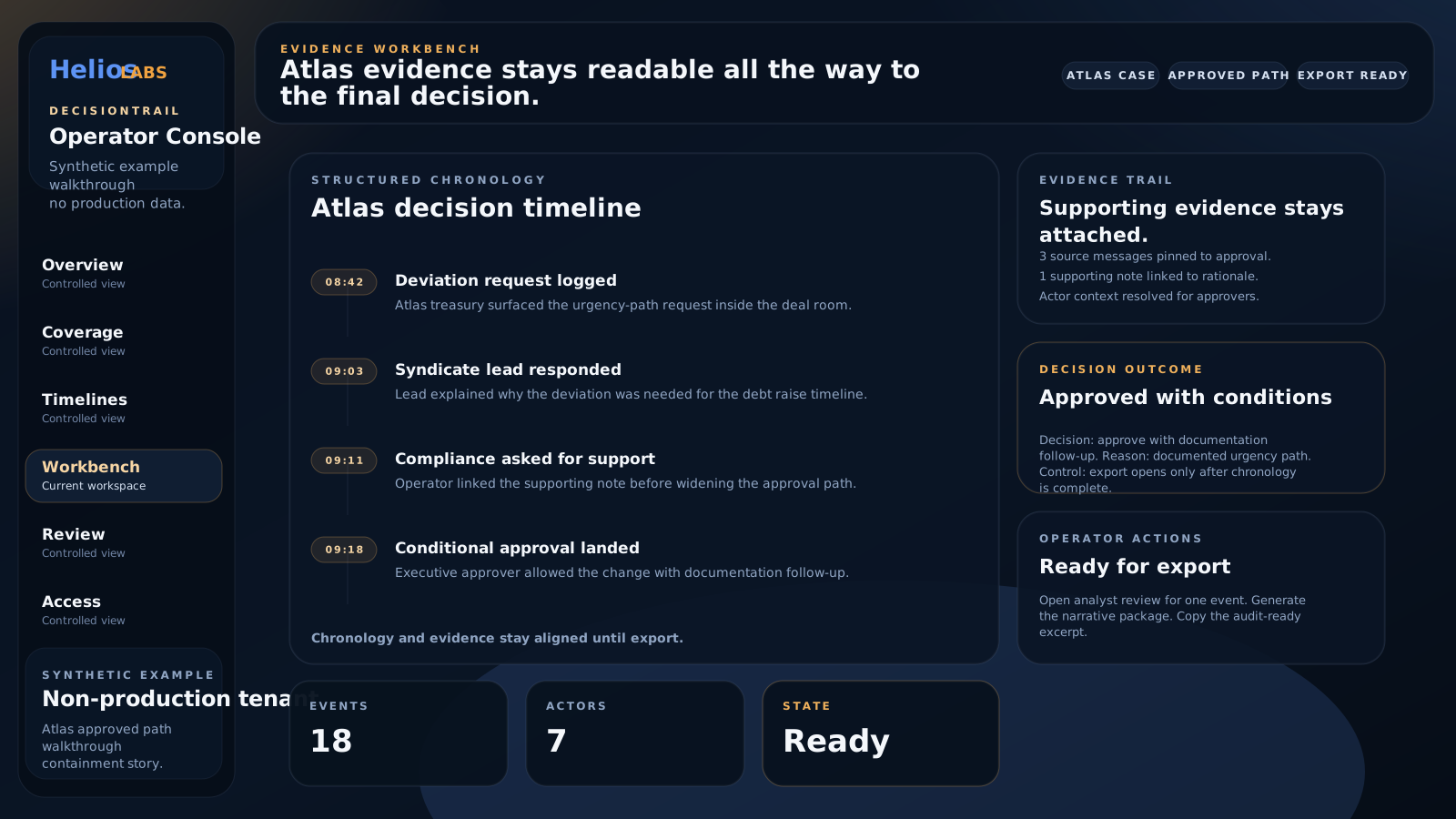
Synthetic example
The workbench aligns chronology, supporting evidence, operator actions, and decision outcome.
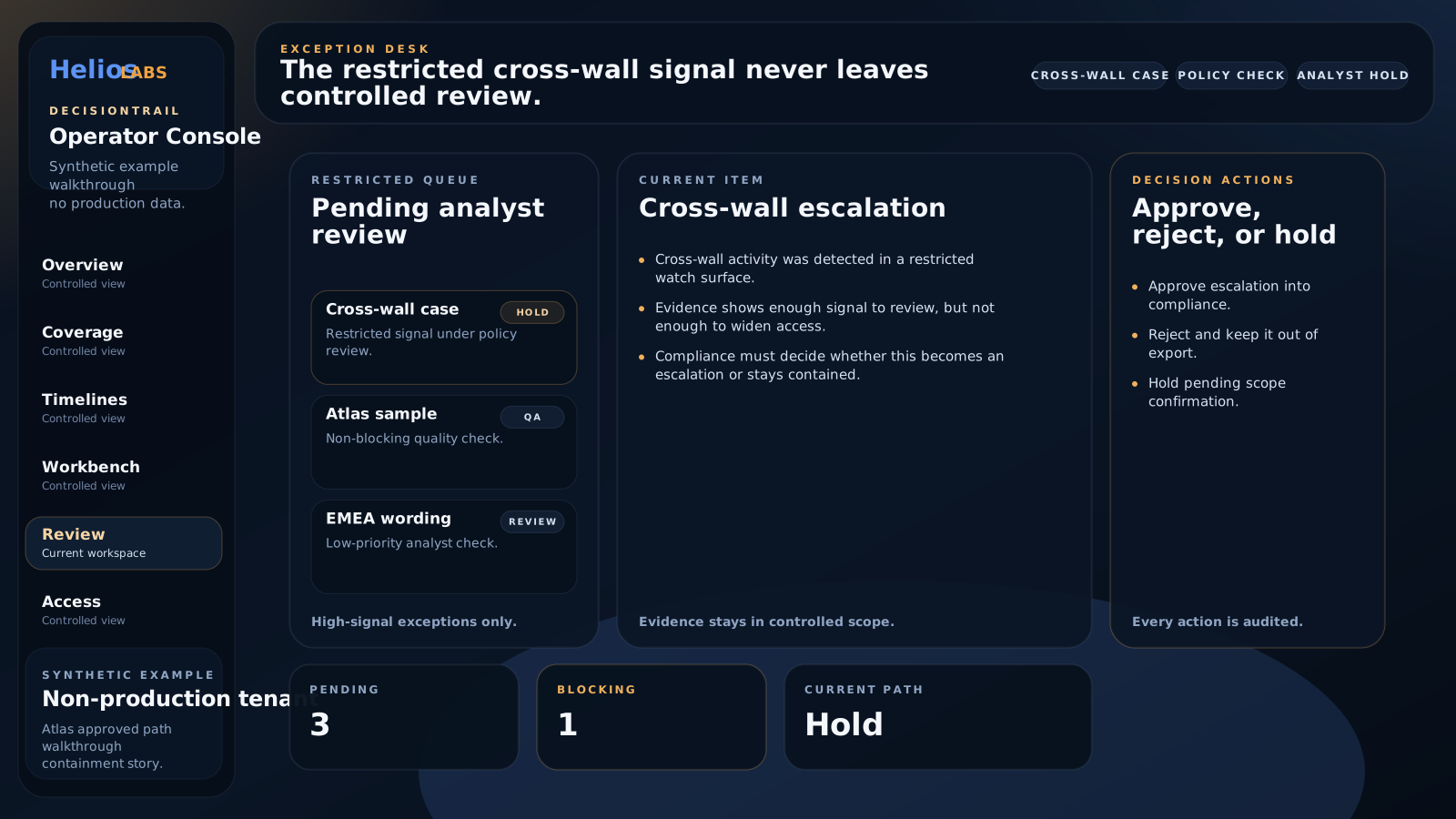
Synthetic example
A constrained review lane handles uncertain or restricted signals without making the whole workflow manual.
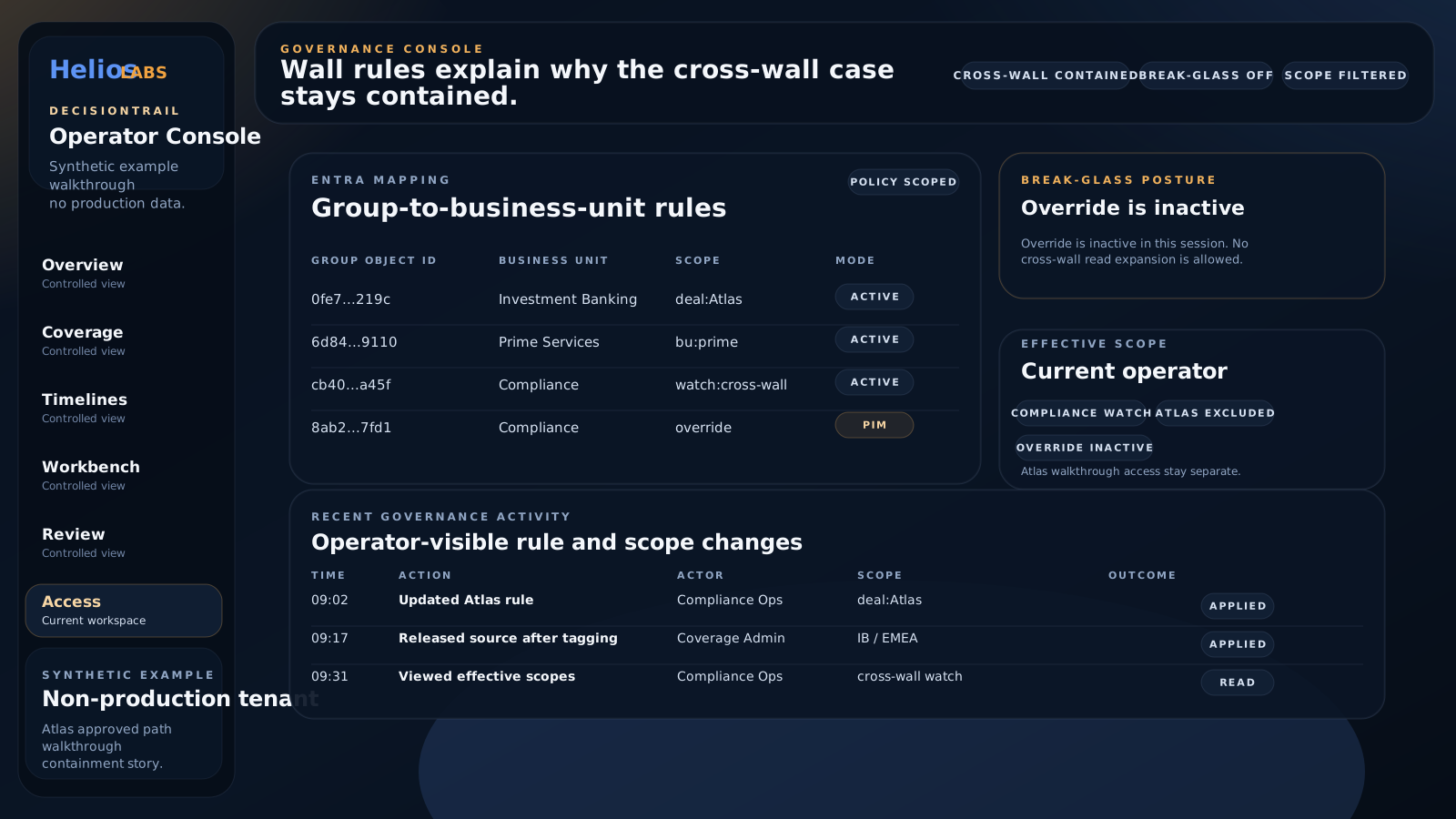
Non-production walkthrough
Governance rules show why restricted content stays contained before export.
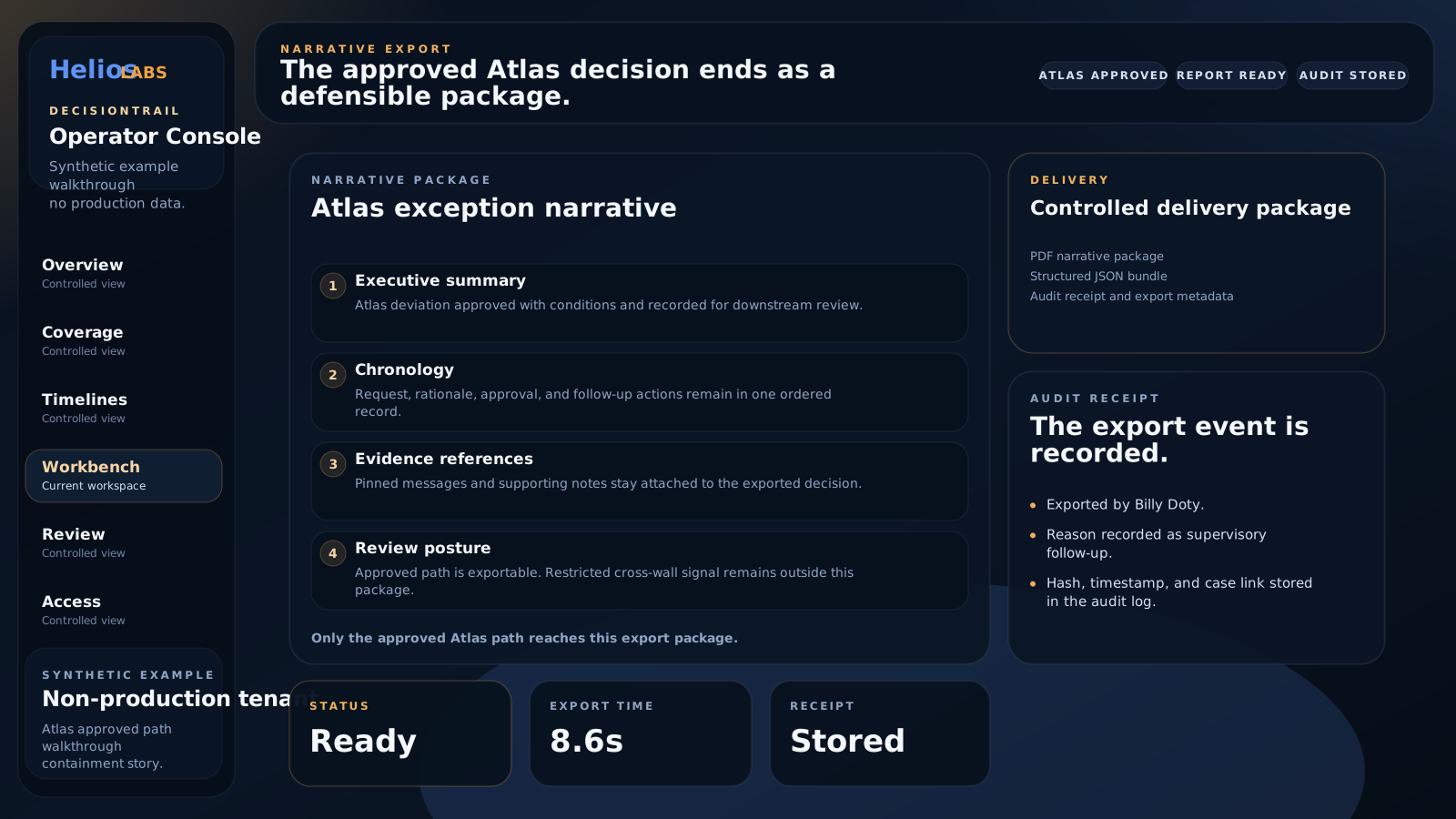
Sample narrative report
The approved decision ends as a reviewable narrative package with chronology and audit receipt.
Workflow and trust
Synthetic example
The non-production walkthrough shows how constrained signals stay in review while clear evidence continues toward export.
Non-production walkthrough
Wall rules and effective scope show how restricted content remains controlled inside the workflow.
Workflow benchmark
Use these benchmark categories to review coverage, timing, QA posture, and holdback controls.
How quickly a scan becomes a reviewable chronology.
How quickly a reviewer can move from timeline to report.
How often sampled or held-back events need correction.
Whether the client is running mostly automatic or stricter review.
Synthetic workflow validation
Use these results to review coverage, confidence, controls, and export quality before testing your own workflow.
Validation run
Meridian Bank NA
Treasury approvals, exception handling, and supervision review.
10,842 Teams-style messages across payments, credit memo, treasury exception, surveillance review workflows.
Validation run
Aurora Regulated Operations
Cross-functional investigations, vendor risk, and policy exceptions.
12,418 Teams-style messages across compliance review, legal hold, vendor risk, operational exception workflows.
Benchmarks are synthetic workflow simulations for validation. They test scale, coverage, review controls, and export quality before customer-specific validation. Demo feed: /demo/synthetic-workflow-benchmark-feed.json
Next step