Synthetic example by design
No production data, no customer content, no live API calls.
The walkthrough uses static product frames and a synthetic finance narrative, so it is safe to share before a formal walkthrough.
Non-production walkthrough
This non-production walkthrough shows how one Teams workflow moves through coverage, reconstruction, review, and export without customer data.
Non-production walkthrough
A synthetic example walkthrough: one approved decision path, one contained restricted path, and no production data or authentication.
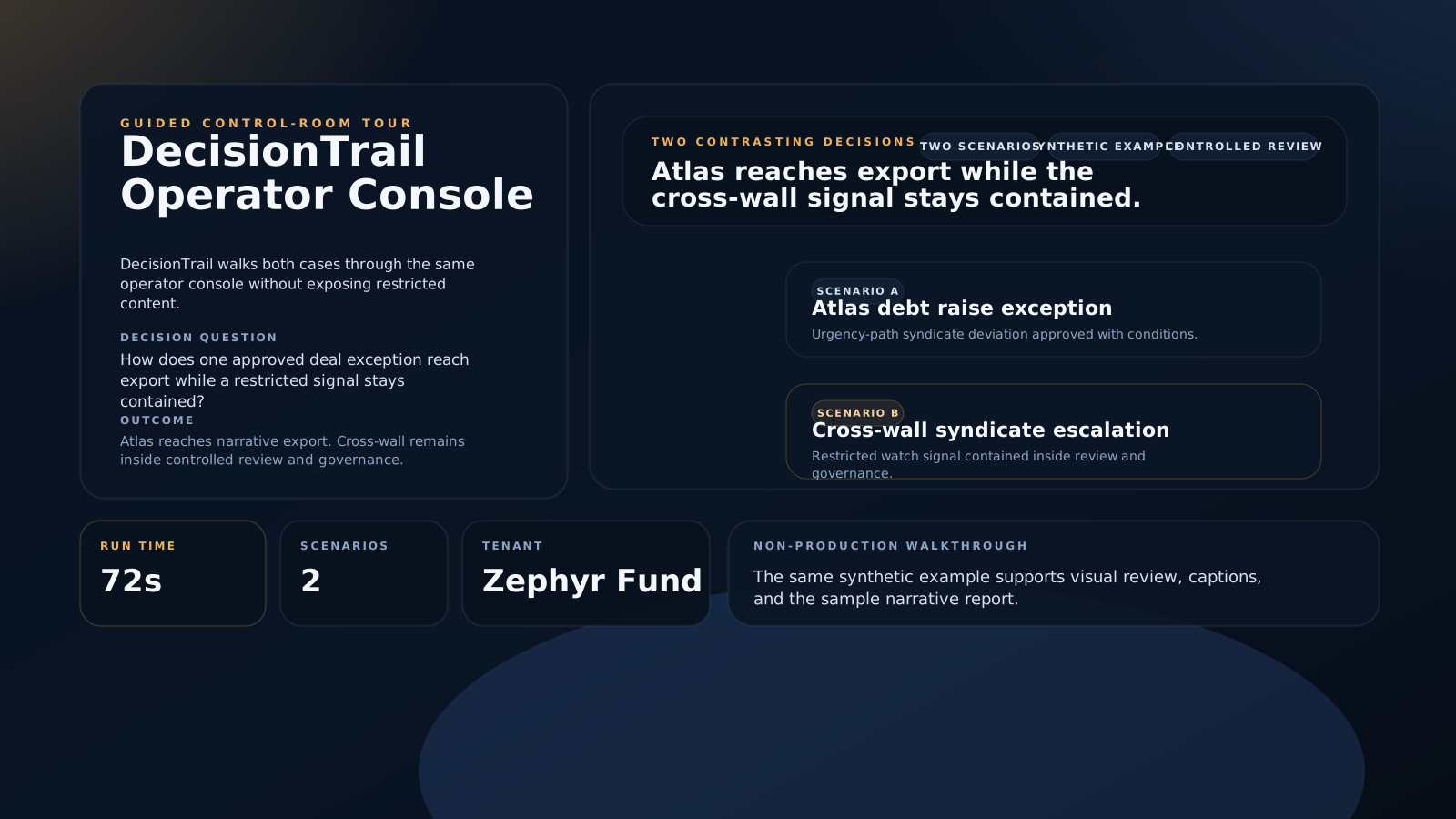
Synthetic example by design
The walkthrough uses static product frames and a synthetic finance narrative, so it is safe to share before a formal walkthrough.
Non-production walkthrough
Use the tour to review the core flow, trust posture, and sample output before selecting what to pressure-test.
Scenario contrast
The synthetic scenario helps teams discuss coverage choices and review posture before moving into their own workflow.
Next step
When the team is ready to pressure-test the workflow, move from the synthetic walkthrough into the proof pack or a scheduled walkthrough. The tour supports evaluation; it does not replace the workflow review.